Tags
Tags help group translation keys for easier work and batch operations on multiple keys within a specific group. Tolgee allows you to create tags, assign them to keys, and filter by them in the Translation view.
With tags, you cannot selectively export a particular set of keys like you can with namespaces.
Create and Assign Tags
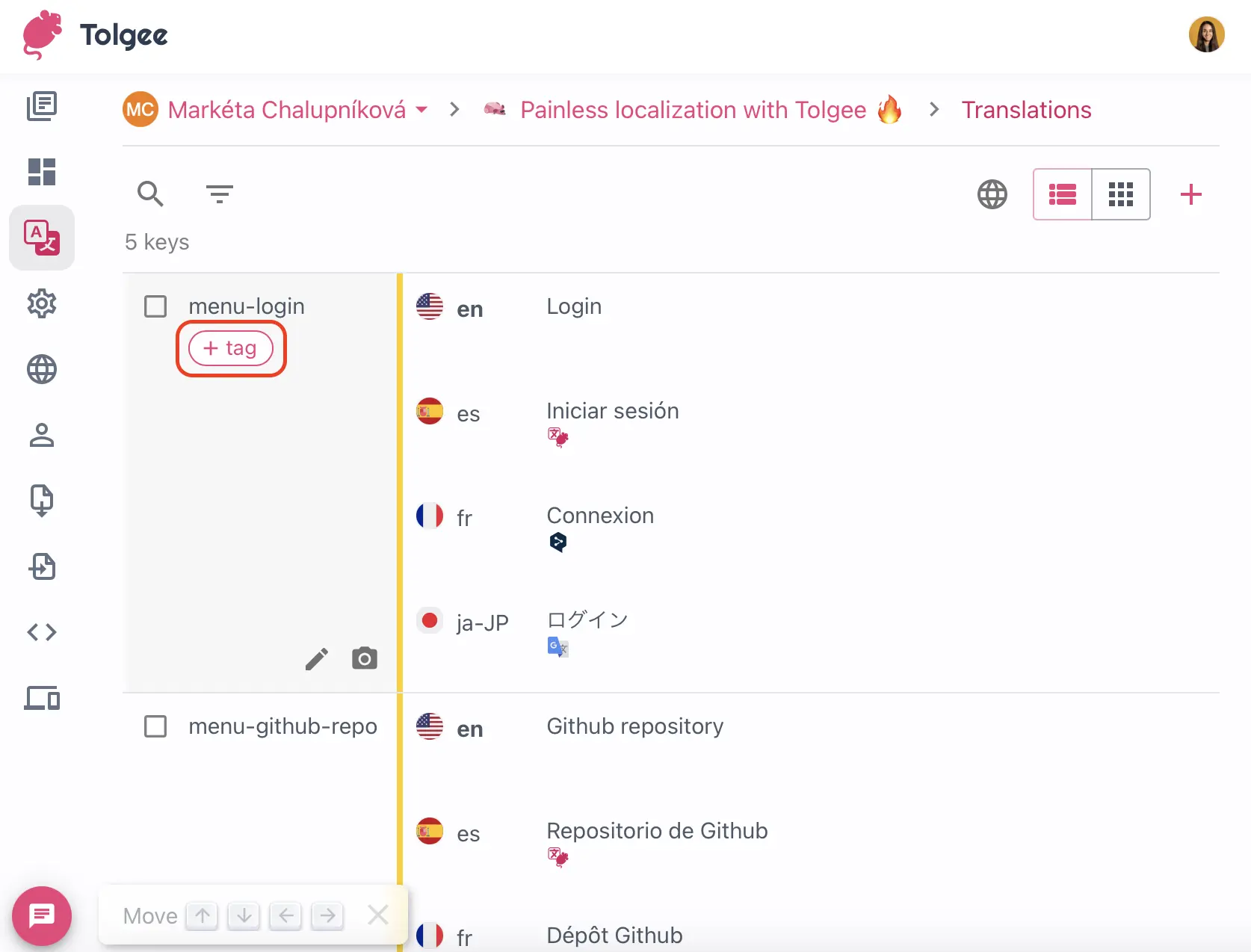
To assign a tag to a key, click the + tag icon on the key in Translations view:
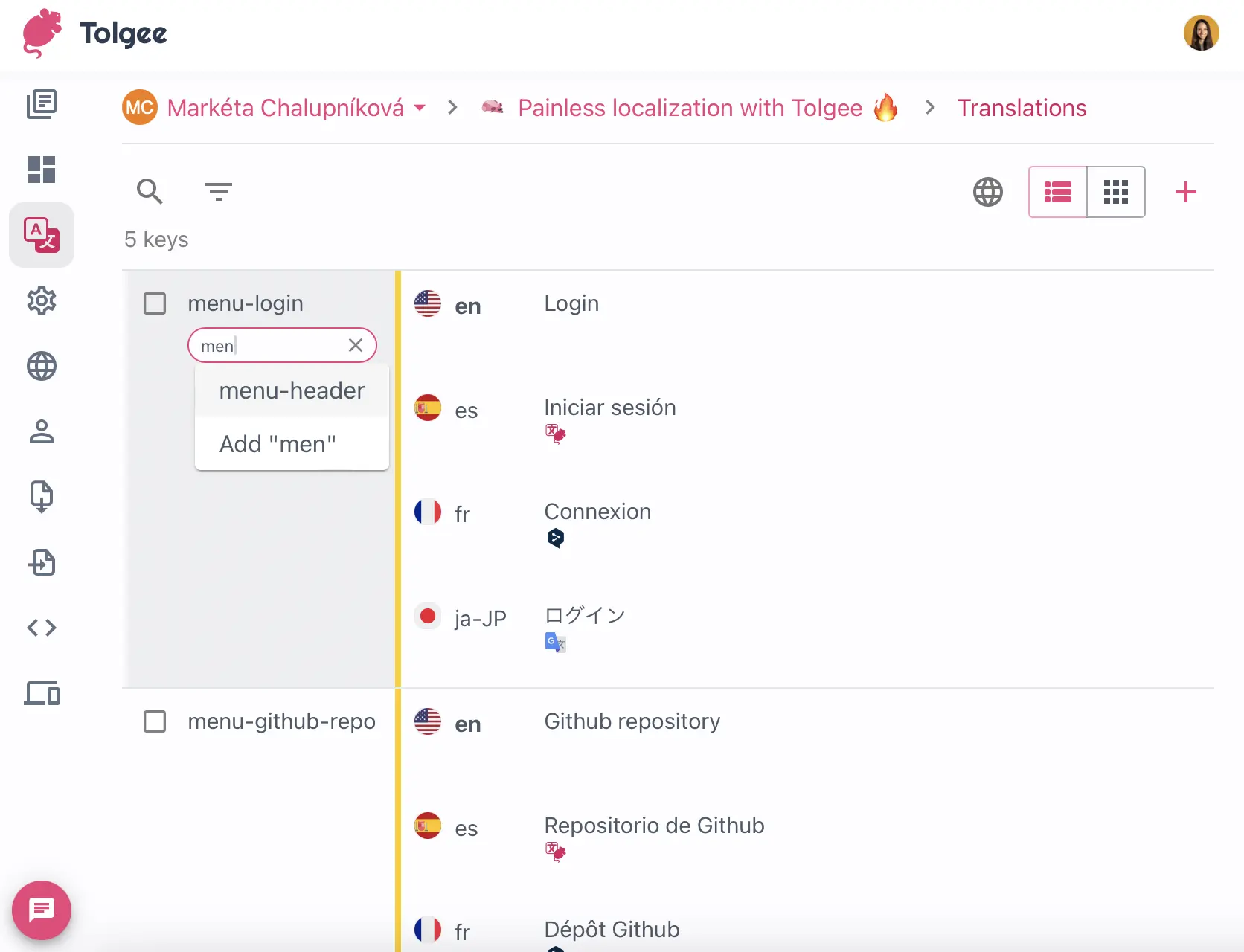
Then you can assign an existing tag or create a new one by typing the name and pressing Enter.
Filter by Tags
There are two ways how to filter keys by tags.
Using Filter Dropdown
- Click the
Filter...dropdown in the Translations view - Click
Tags - Select one or multiple tags
Click on a Tag to Filter
- Click the tag in a key
- The tag will be automatically added to the filtering and the keys will be filtered by it